
Free tool · no sign-up · nothing uploaded
Google review QR code poster maker
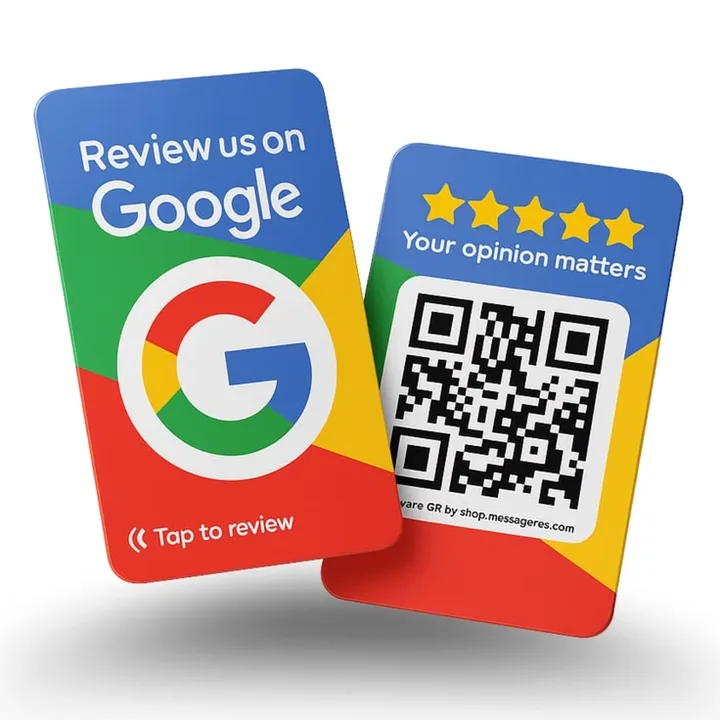
Paste your Google review link, pick a language and download a counter poster with a big QR code and “Review us on Google”. Customers scan with their phone camera and land straight on your review form. Free; nothing is uploaded.
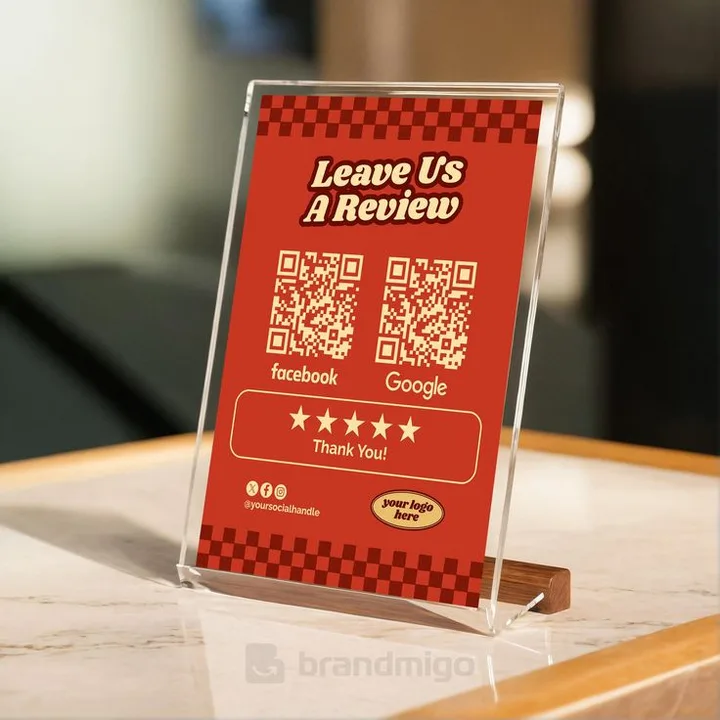
Different ideas. Your own style.
Ideas for your next design
Selected design references for the creative range we’re building toward.
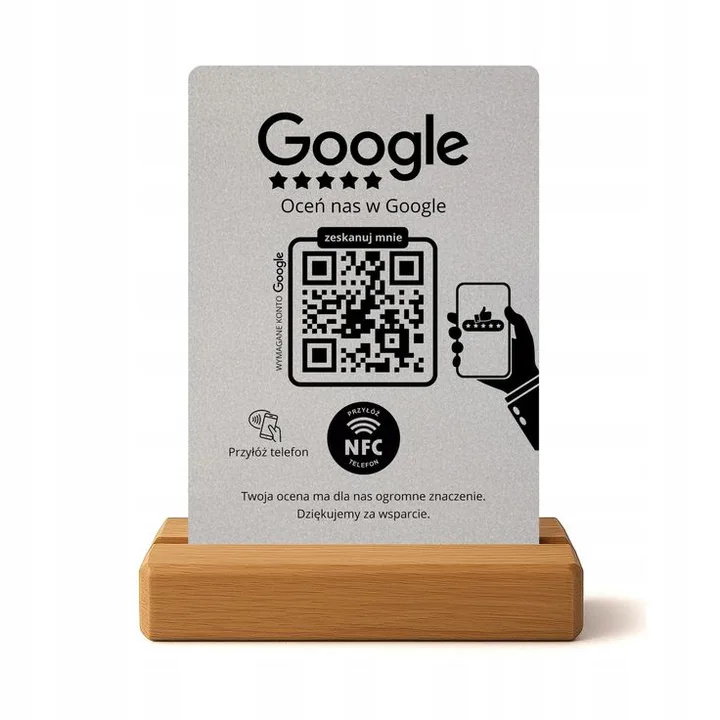
How to get your Google review link
- Open Google Maps or search your shop name on Google while signed in to the account that manages your Google Business Profile.
- Tap “Ask for reviews” (or “Share review form”) in your profile.
- Copy the link, it looks like
https://g.page/r/…/review, and paste it above.
No profile yet? Create one first; it is free and it’s how people searching “near me” find you.
Where to put the review poster
At the billing counter, where people wait. Print it A5 or A4, laminate it, and point to it when a happy customer says thanks. Our guide how to get more Google reviews has the exact words to say.
Ask for reviews the right way
Google’s policy forbids offering discounts or gifts in exchange for reviews, and forbids asking only happy customers (“review gating”). Ask everyone, offer nothing in return, and reply to every review, good and bad.
Questions people ask
How do I make a QR code for Google reviews?
Copy your review link from Google Business Profile (“Ask for reviews”), paste it in this tool and download the poster, the QR code is generated in your browser.
Can I give a discount for a Google review?
No. Google’s review policy prohibits incentives for reviews, and they can be removed. Ask every customer honestly instead.
Does the QR code expire?
No. It contains your link directly; it works as long as your Google review link works.