
Free tool · no sign-up · nothing uploaded
Free festival poster maker for shops
Pick a festival, a language and a design, type your shop name, offer and phone number, and download a ready-to-share poster, free, with no sign-up and no watermark. Everything happens in your browser; nothing you type is uploaded.
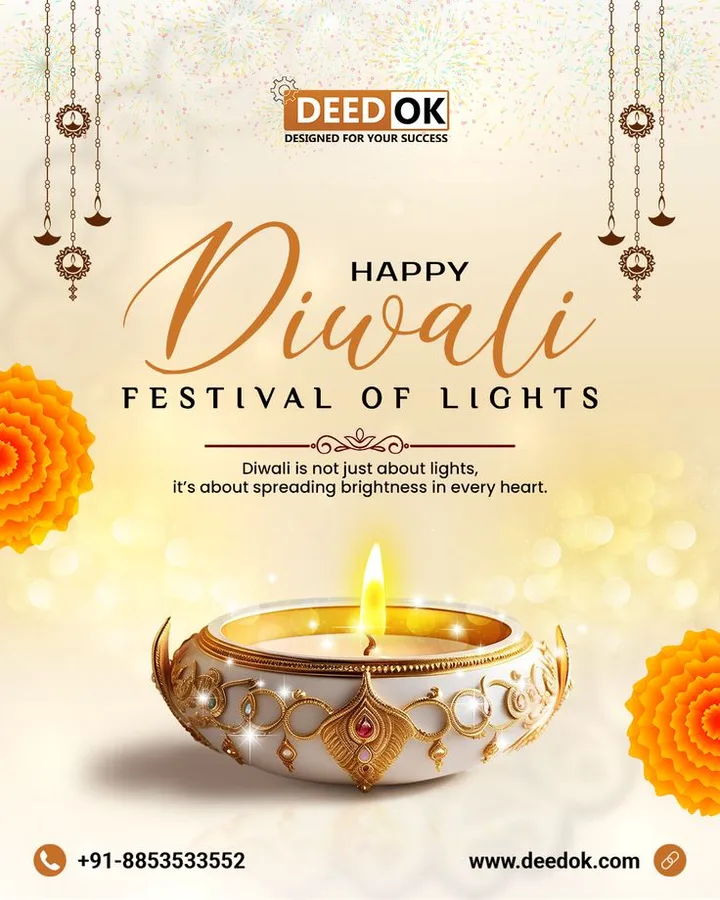
Different ideas. Your own style.
Ideas for your next design
Selected design references for the creative range we’re building toward.
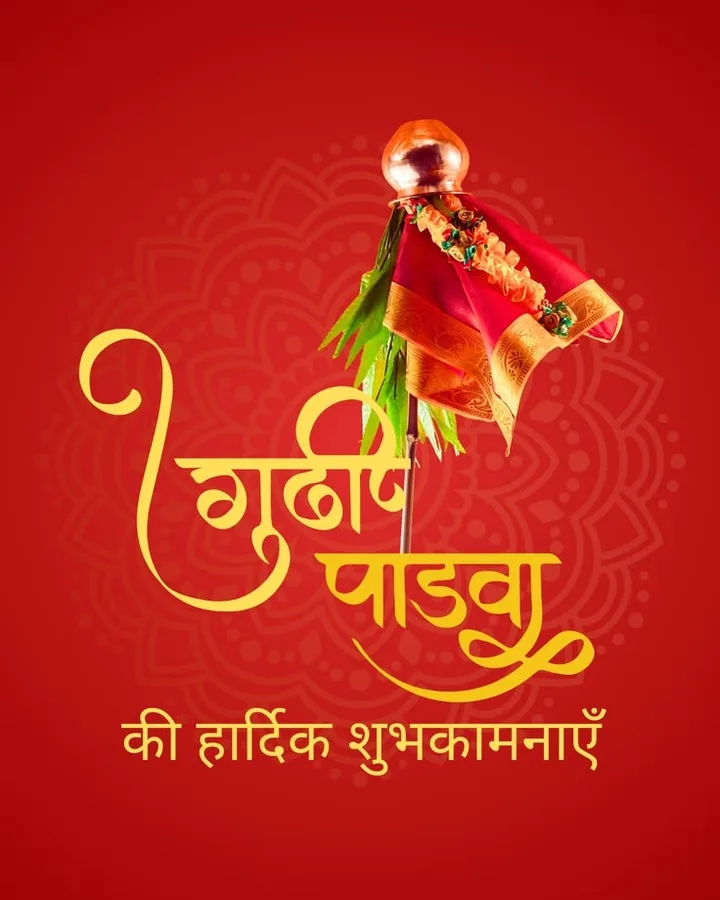
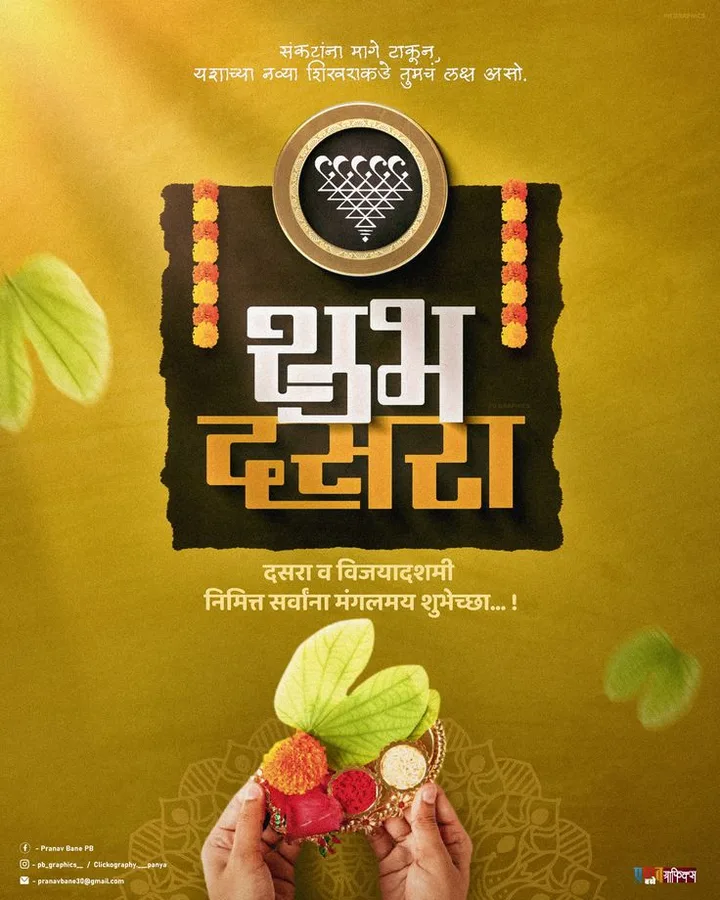
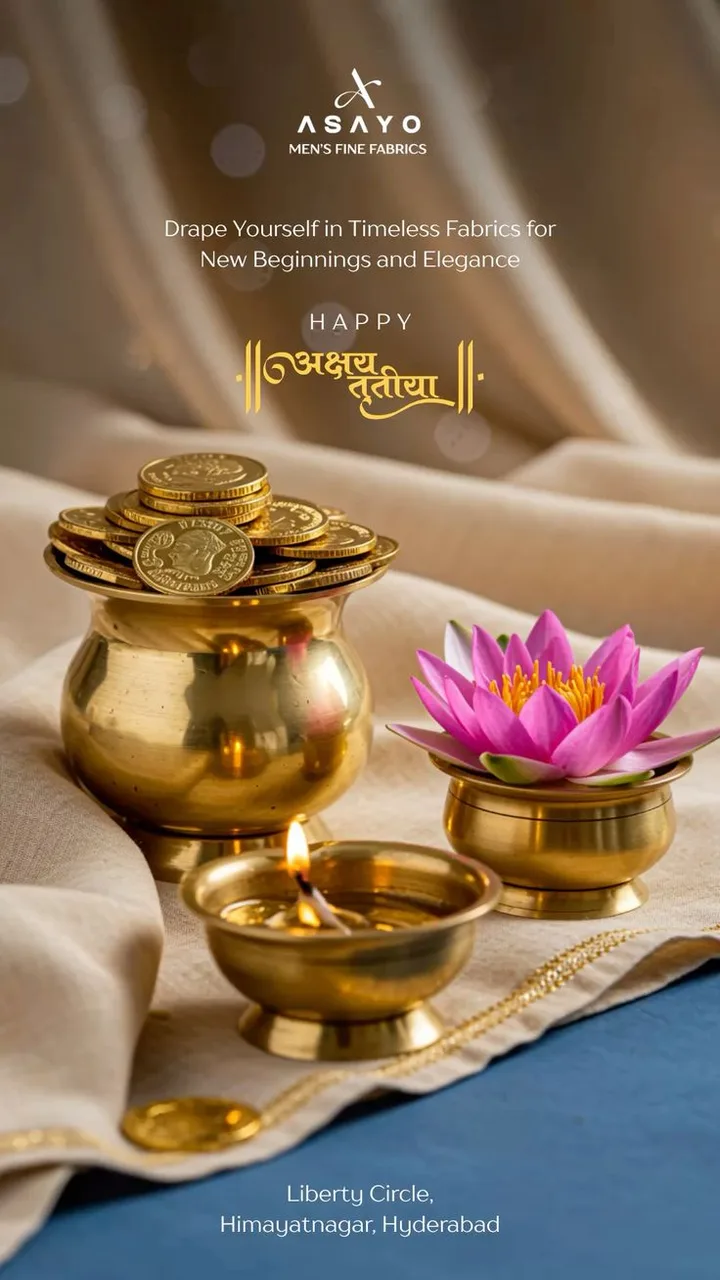
How to make a festival poster online, free
- Choose the festival. The greeting is written for you, “Happy Diwali”, “शुभ दीपावली”, “தீபாவளி நல்வாழ்த்துகள்”, in the language you pick.
- Choose your business type. It adds a small label and a matching symbol (scissors for a parlour, a phone for a mobile shop).
- Type your offer in any language: one discount, one date.
- Add the shop name, number and area. They go in the footer band, big enough to read on a phone.
- Pick a size, square for chats and Instagram, 4:5 for feeds, tall for WhatsApp Status, and download.
Festival poster ideas that bring customers
A greeting keeps your shop in people’s phones; an offer gets them to visit. The best festival posters do both: greeting on top, one offer in the middle, shop and number at the bottom. Post the offer about a week before the festival and the greeting on the day. Our festival calendar for shops tells you when.
Poster in Hindi, Tamil, Marathi and 10 more languages
The maker writes greetings in English, Hindi, Marathi, Gujarati, Bengali, Tamil, Telugu, Kannada, Malayalam, Punjabi, Odia, Assamese and Urdu (right to left). People search “diwali poster in marathi” in English letters, but customers read the poster in their own script, so the poster uses the script. See all 13 language poster makers.
WhatsApp Status poster size
WhatsApp Status is 9:16, choose Status (1080×1920). For chats and Instagram posts use Square (1080×1080); for Instagram and Facebook feeds, 4:5 (1080×1350) takes more of the screen.
Questions people ask
Is this festival poster maker really free?
Yes, free, no sign-up, no watermark. It runs in your browser and nothing is uploaded to us.
How do I share the poster on WhatsApp?
On an Android phone, tap “Share” and choose WhatsApp. On a computer, tap “Download” and attach the image in WhatsApp Web.
Can I add my logo or photo?
Not in this free web tool. The Top Dukaan app makes posters from a chat with Teena, its AI designer, and prints your shop details on every poster.
Why does my language look different on my phone?
Your phone draws the script with its own font (Android ships Noto fonts for every Indian script), so letters can look slightly different from the preview on a computer.
Are the festival dates correct for my state?
We use Drik Panchang for New Delhi. Some festivals fall a day apart in other regions, and Eid depends on the moon sighting, check your local calendar.